unraw
Un-raw your GitHub HTML files. One click renders any .html file on GitHub in your browser, privately. Works on private repositories you can read, on any branch. No servers, no tokens, nothing leaves your browser.
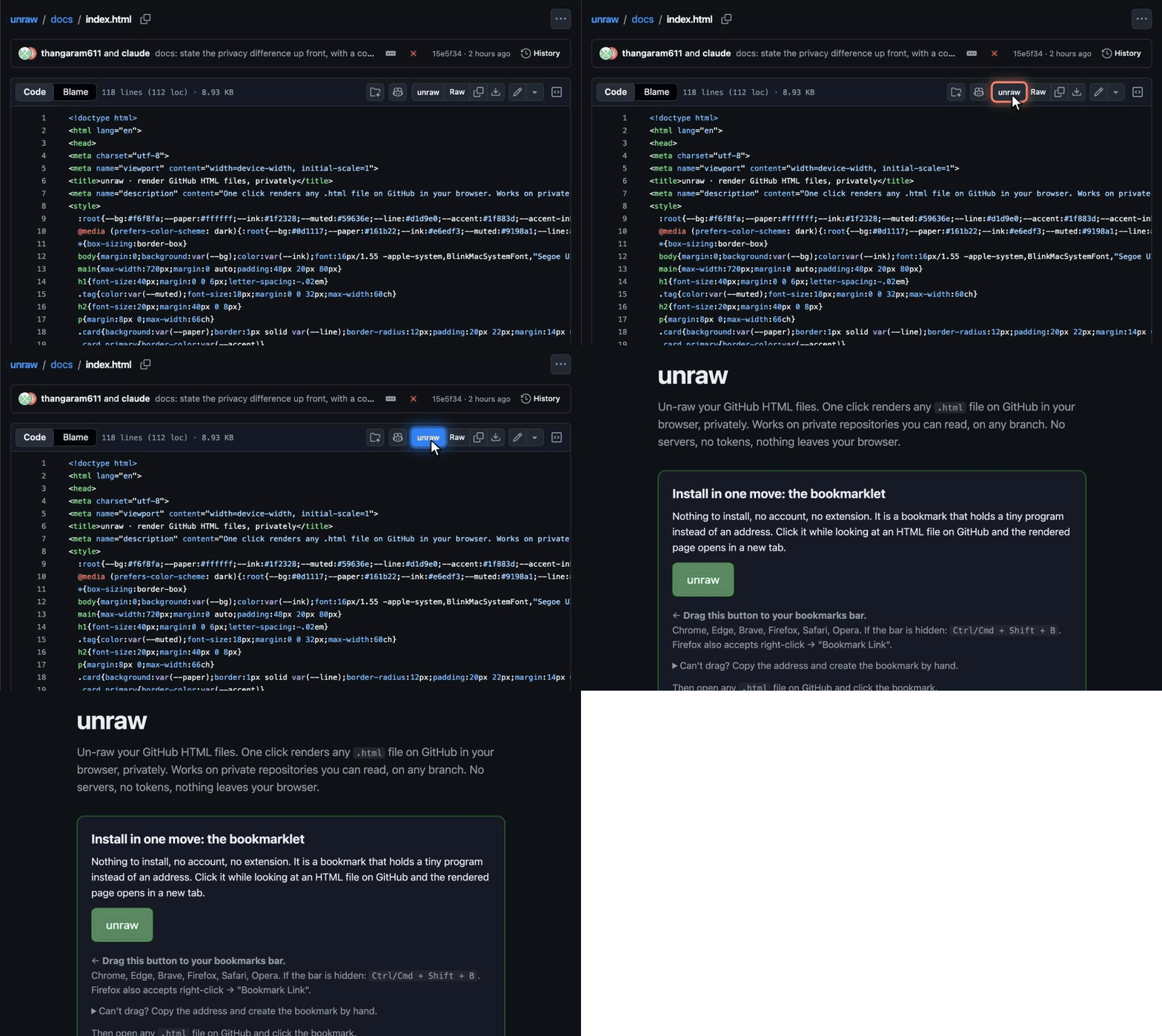
Install in one move: the bookmarklet
Nothing to install, no account, no extension. It is a bookmark that holds a tiny program instead of an address. Click it while looking at an HTML file on GitHub and the rendered page opens in a new tab.
Chrome, Edge, Brave, Firefox, Safari, Opera. If the bar is hidden:
Ctrl/Cmd + Shift + B. Firefox also accepts right-click → "Bookmark Link".On a phone or tablet: bookmark this page, then edit the bookmark and replace its address with the text below.
Can't drag? Copy the address and create the bookmark by hand.
- Right-click the bookmarks bar → "Add page…" (Chrome, Edge, Brave) or "New Bookmark…" (Firefox).
- Name it
unraw, paste the copied text as the URL, save.
Then open any .html file on GitHub and click the bookmark.
Prefer a button on the page itself?
Adds an unraw button beside Raw on every HTML file page. Needs a userscript manager (Tampermonkey, Violentmonkey, or the Userscripts app on Safari). Updates automatically.
Install from Greasy Fork Install from GitHubOne-click install from the Chrome Web Store, Firefox Add-ons and Edge Add-ons. Coming; the listings will appear here.
Follow on GitHubWhy unraw, and not the others
Other tools that preview HTML from private GitHub repositories make your file pass through a third party: one sends your GitHub token to its author's server and renders on the author's domain; another hands a tokenised link to your private file to its author's website; the public-only ones cannot read private repositories at all.
unraw has one rule: the file may not leave your browser. It does what the Raw button does, with your own GitHub session, and renders locally. No server, no token, no account, no site other than github.com in the path. Full comparison in the README.
How it works
- On a file page (
github.com/<owner>/<repo>/blob/<ref>/<file>.html) it fetches the same path with/blob/replaced by/raw/. GitHub serves it with your own session, exactly as the Raw button does; for private files that is a short-lived redirect. - The text goes into a local
blob:URL, which your browser renders like any page. - No request goes anywhere but GitHub. No token is typed, stored or sent. Nothing is logged.
Limitations
- Pages that reference relative files (
./style.css,img/x.png) render without them; self-contained pages (inline CSS, inline SVG, data URLs, absolute links) render completely. - Inline scripts run inside the
blob:page, isolated from GitHub. Treat a preview the way you would treat opening a downloaded file.